UniLink for Newsletter Creators
by UniLink

You write a great newsletter, but growing it means convincing social media followers to open a new tab and type in their email. One landing page with a signup form, past issues, and a clear value proposition makes that conversion effortless.

Create Your Newsletter Page
UniLink for Newsletter Creators

Built forNewsletter Creators

Subscriber Capture Form

Subscriber Capture Form

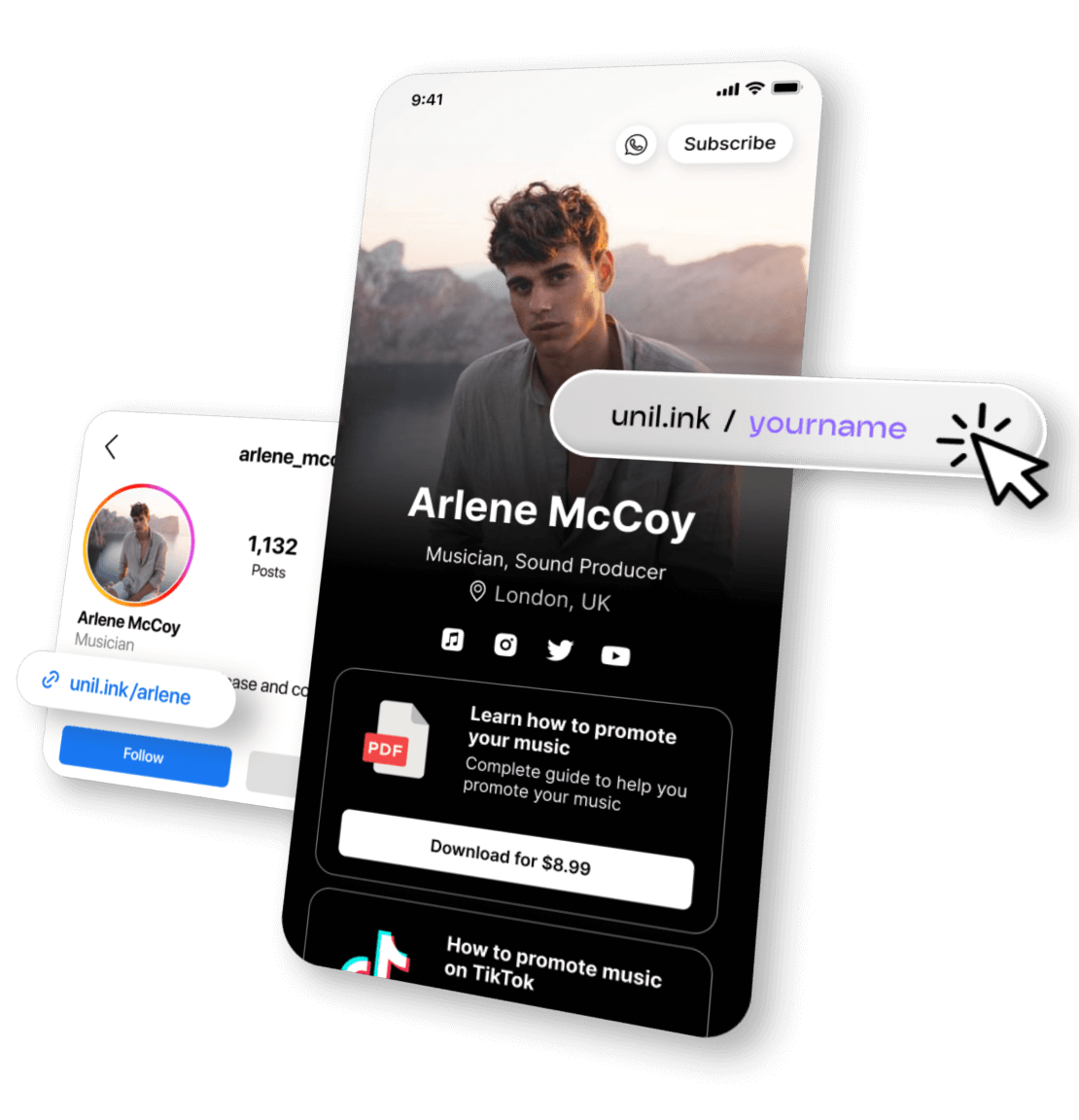
The core of your page — a prominent email signup form that visitors see immediately. Pair it with a compelling one-liner about what readers get and how often. Remove every barrier between landing and subscribing.

Popular with: Musicians · Bloggers · Newsletter Creators
Issue Archive & Best-Of Posts

Issue Archive & Best-Of Posts

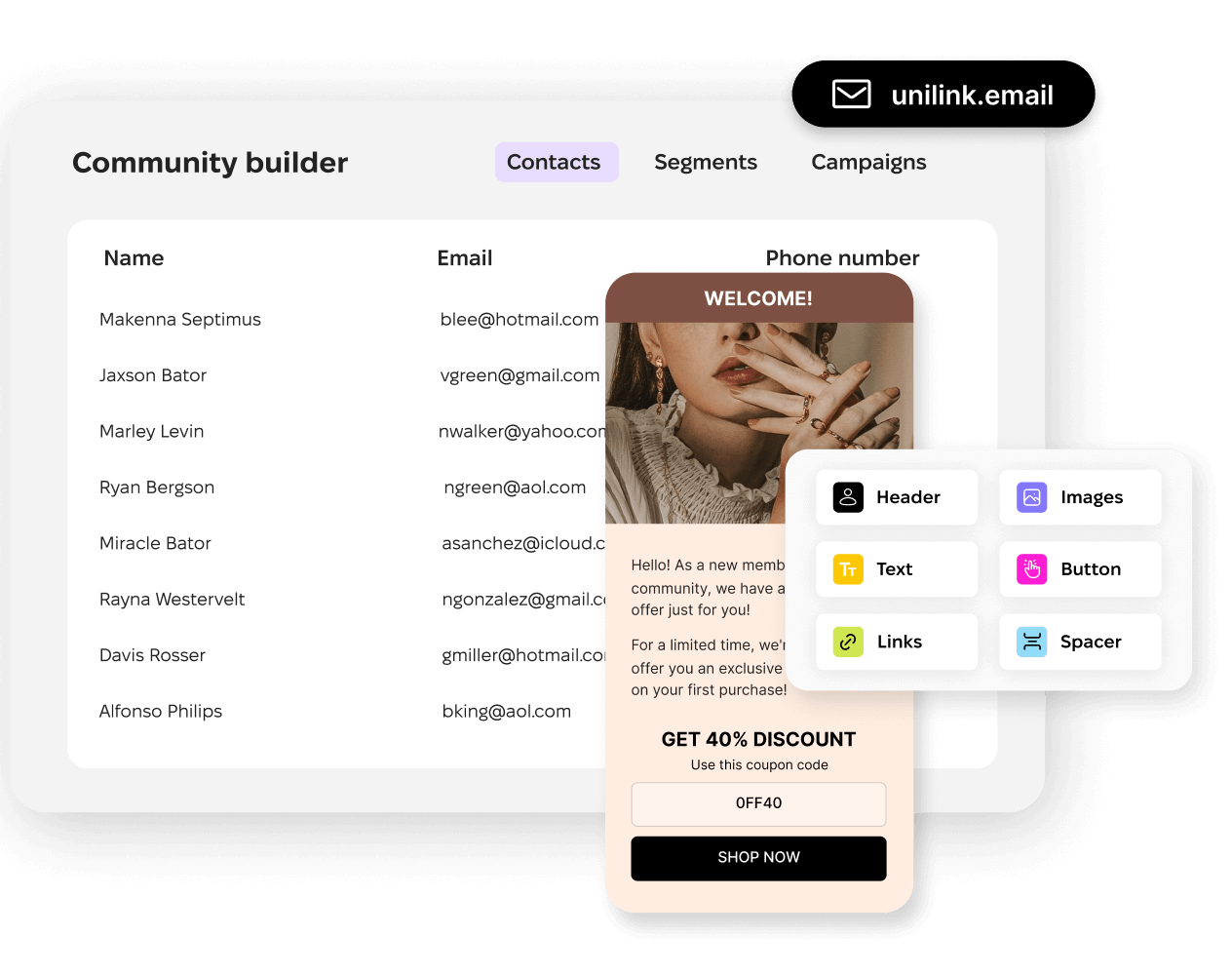
Show potential subscribers what they're signing up for by featuring your best past issues. A curated archive proves your consistency and quality — people subscribe to newsletters they've already read and enjoyed.

Popular with: Bloggers · Authors · Newsletter Creators
Platform & Archive Links

Platform & Archive Links

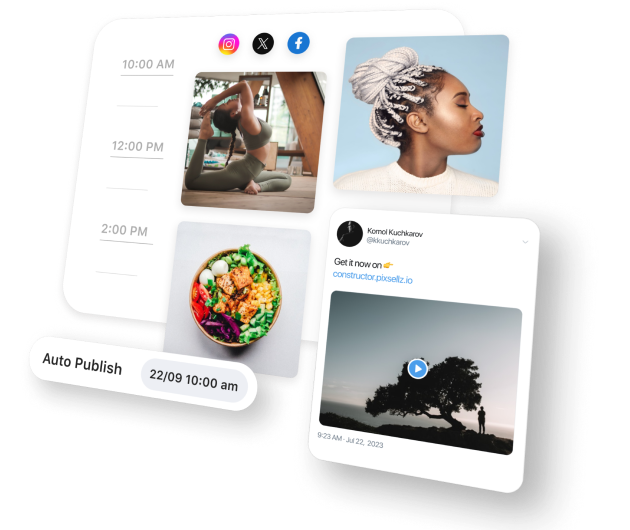
Link to your Substack, Beehiiv, ConvertKit, Ghost, or custom archive. Include your Twitter/X, LinkedIn, or podcast where you cross-promote. Visitors can engage with your content on whichever platform they prefer.

Popular with: Influencers · Bloggers · Podcasters

Reader Contributions & Support

Free newsletters deserve reader support too. A tip button lets fans who love your writing contribute directly. It signals to new visitors that your content is worth paying for — even when it's free.

Premium Newsletter Tier

Offer a paid subscription with bonus content, deeper analysis, exclusive interviews, or early access. Your page showcases both free and premium tiers so visitors understand the upgrade path from day one.
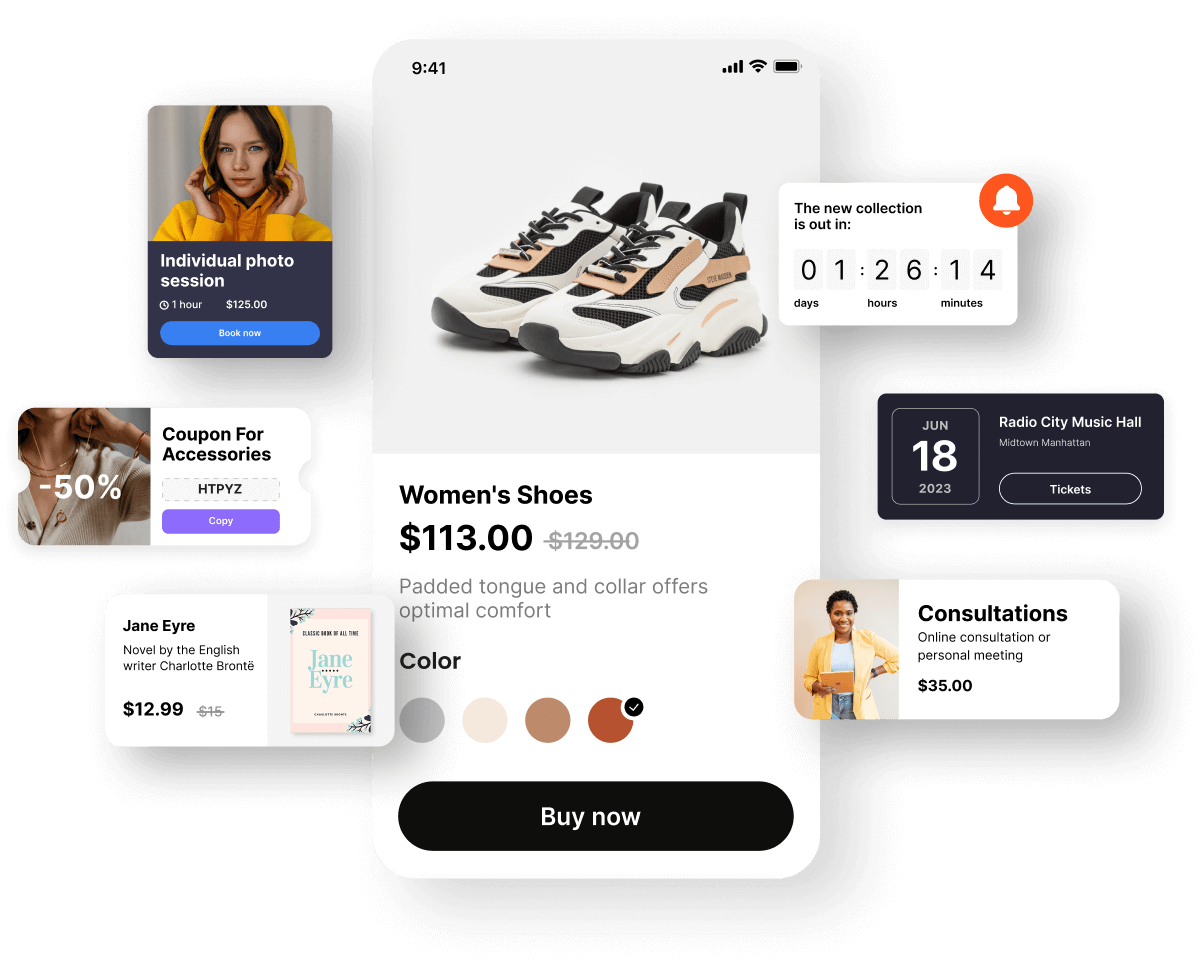
Your Complete Newsletter Hub

Your Complete Newsletter Hub

Your Twitter bio links to Substack, but what about LinkedIn, your podcast appearances, and speaking gigs? UniLink centralizes your signup form, sample issues, social presence, and paid tier into one page that converts across every channel where you promote your writing.
Create Your Newsletter Page

Grow Your Subscriber List

Every social media post, podcast appearance, and guest article should funnel people to your UniLink page. When visitors see your best work, a clean signup form, and social proof from paying members, the conversion from follower to subscriber happens naturally.
Create Your Newsletter Page
Grow Your Subscriber List

Frequently Asked Questions

Can I collect email subscribers directly on my page?
Yes. The email collection block is front and center — visitors enter their address and subscribe in one step. You export the list or integrate with your email platform to add them automatically.
Can I showcase past newsletter issues?
Absolutely. Use the blog block to feature your best or most recent editions. Potential subscribers can read a sample issue and decide if your writing is for them before committing their inbox.
How do I set up a paid newsletter tier?
The membership block lets you create subscription tiers with different prices and benefits. Offer a free tier for everyone and a premium tier with exclusive content, and let readers choose their level of commitment.
Can readers tip me for free newsletters?
Yes. The tips block adds a support button to your page. Readers who appreciate your free content can contribute an amount they choose. It's a meaningful revenue stream that complements subscriptions.
Does it work with Substack, Beehiiv, and other platforms?
UniLink works alongside any newsletter platform. Link to your existing archive, use your own signup form, and direct subscribers wherever your newsletter lives. It's the promotional layer, not a replacement for your email tool.

Switching from another platform?

Import your existing links in under 2 minutes. See how UniLink compares:

Get started now

Loved by thousands of artists, writers, musicians, podcasters, youtubers, gamers, developers, hobbyists, brands…
Get Started Free