UniLink for Cafes
by UniLink

From your espresso menu to your pastry case, put everything your customers want to know on one page. A digital menu they can scan, your location on a map, photos of your space, and a way to order your coffee beans online.

Create Your Cafe Page
UniLink for Cafes

Built forCafes

Digital Coffee & Food Menu

Digital Coffee & Food Menu

List your espresso drinks, pour-overs, teas, pastries, and breakfast items with descriptions and prices. Customers scan a QR code at your counter or find your menu through social media — always current, never out of stock on paper.

Popular with: Restaurants · Salons · Cafes

Cafe Location & Hours

Cafe Location & Hours

Show your cafe on an interactive map with your hours, address, and one-tap directions. Visitors checking whether you're open or trying to find you in a busy neighborhood get their answer instantly.

Popular with: Restaurants · Salons · Gyms
Cafe Atmosphere & Food Photos

Cafe Atmosphere & Food Photos

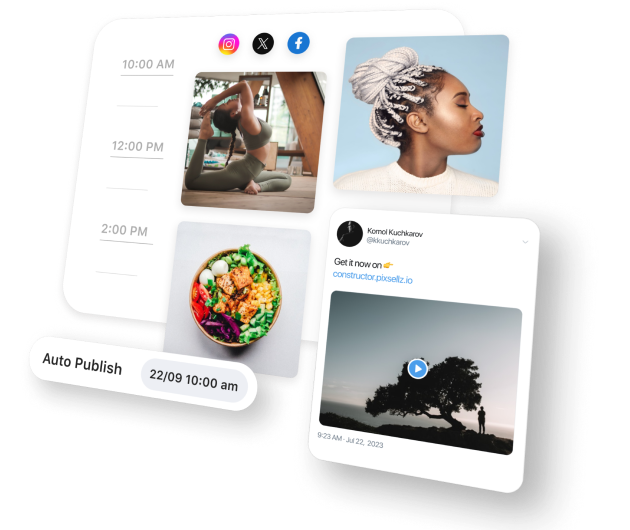
Showcase your latte art, your cozy seating areas, the pastry display, and the morning rush energy. People choose cafes as much for the vibe as the coffee — photos of your space help them picture their next visit.

Popular with: Photographers · Artists · Tattoo Artists

Customer Reviews & Favorites

Feature reviews from regulars who rave about your oat milk lattes, your sourdough croissants, or the perfect work-from-cafe WiFi. Real customer voices carry more weight than any description you could write.

Sell Coffee Beans & Merch

Sell your house-roasted beans, branded mugs, tote bags, or gift cards directly from your page. Customers who love your coffee in-store will jump at the chance to brew it at home or gift it to friends.
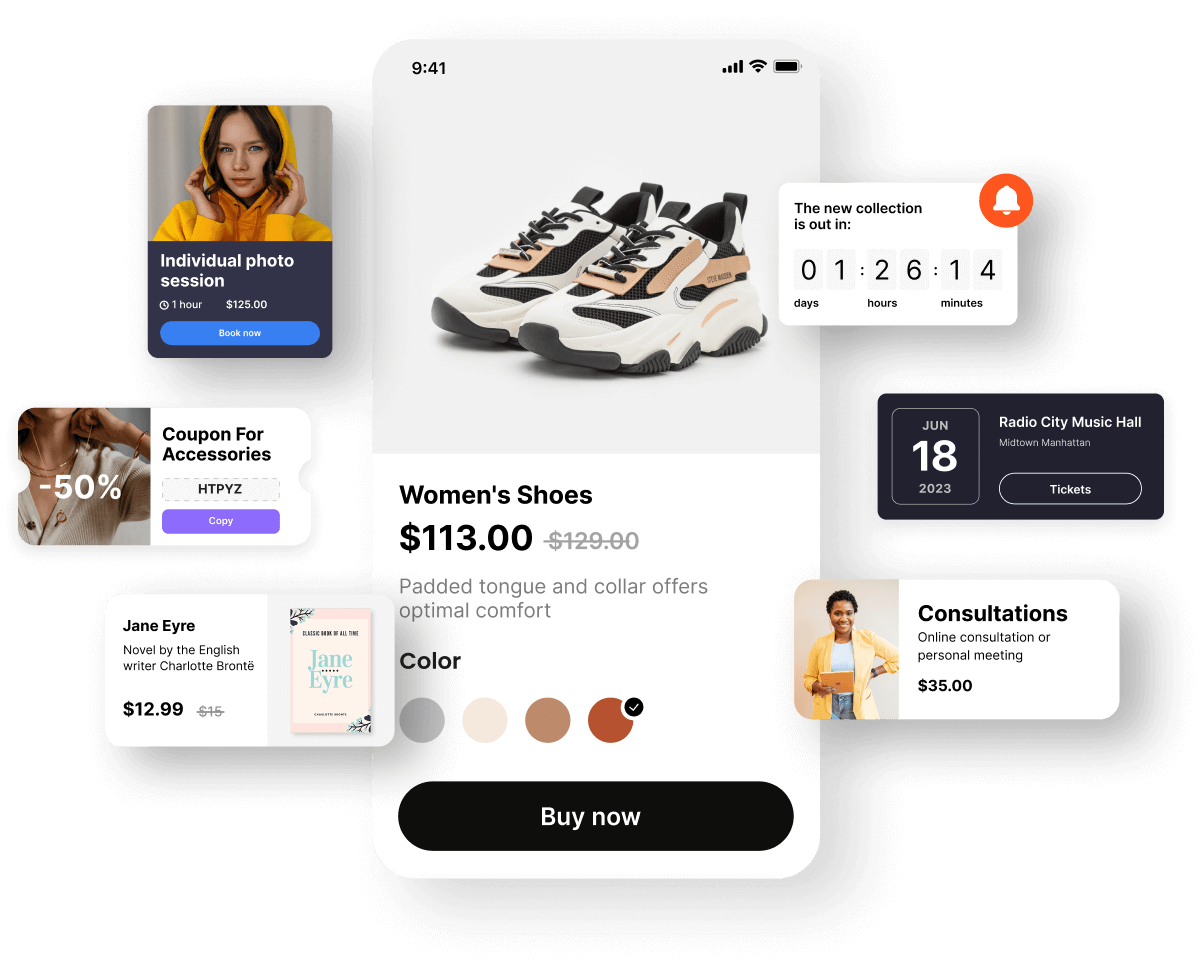
Your Complete Cafe Hub

Your Complete Cafe Hub

Someone finds your cafe on Instagram, walks past your storefront, or gets a recommendation from a friend. They want to check your menu and hours before committing. UniLink gives them everything they need to walk through your door.
Create Your Cafe Page

Grow Your Regular Crowd

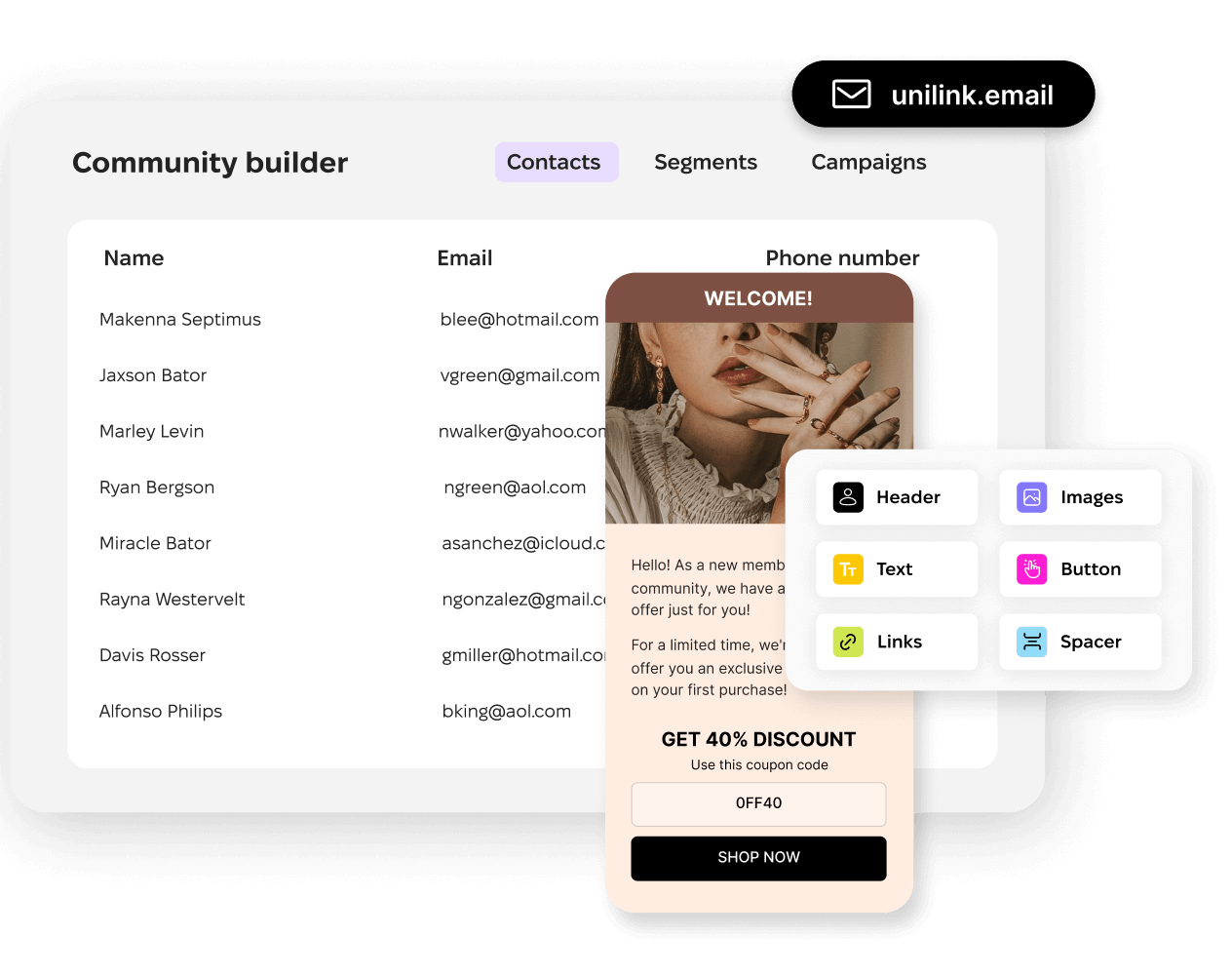
Collect emails from customers who want to know about new seasonal drinks, special events, limited roasts, or loyalty perks. Build a community of coffee lovers who choose your cafe first every single morning.
Create Your Cafe Page
Grow Your Regular Crowd

Frequently Asked Questions

Can customers scan a QR code to see my menu?
Yes. Every UniLink page gets a QR code you can print and place on tables, at the counter, or on your window. Customers scan it and see your full menu with descriptions and prices on their phone instantly.
Can I sell coffee beans and merchandise online?
Absolutely. The shop block lets you list products with photos, descriptions, and prices. Sell whole bean bags, ground coffee, brewing equipment, gift cards, or branded merch directly from your cafe page.
How do I keep my menu updated when items change?
Edit your menu from the dashboard and changes appear instantly. Mark items as seasonal, add new drinks, remove sold-out pastries — your customers always see the current menu. No QR code updates needed.
Can I show my cafe's hours and location?
Yes. The map block displays your exact location on an interactive map with your hours. Customers tap for directions from wherever they are. Include notes about seating, WiFi, or parking if they're helpful.
Is this useful for a small single-location cafe?
Especially useful. Small cafes benefit most from having a professional digital presence without the cost of a full website. Your UniLink page handles your menu, location, reviews, and online sales from one free page.

Switching from another platform?

Import your existing links in under 2 minutes. See how UniLink compares:

Get started now

Loved by thousands of artists, writers, musicians, podcasters, youtubers, gamers, developers, hobbyists, brands…
Get Started Free