


by UniLink
Artists evaluate engineers by their ears, not their website design skills. Build a page that lets clients hear your work, see your rates, read reviews from artists you've mixed for, and book studio time — without you spending a weekend learning Squarespace.
Create Your Engineer Page
Built forSound Engineers
Services & Session Rates
List your services clearly — mixing, mastering, vocal recording, podcast editing, film scoring, live sound. Include per-song pricing, hourly rates, and package deals. Artists comparing engineers always choose the one who's upfront about pricing over the one who says 'DM for rates.'
Popular with: Photographers · Consultants · Freelancers
Studio & Gear Portfolio
Show your workspace — the console, monitors, outboard gear, vocal booth, and live room. Artists want to see where they'll be working. A well-equipped, organized studio photographed properly signals professionalism before anyone hears a single mix.
Popular with: Photographers · Artists · Tattoo Artists
Session Booking & Scheduling
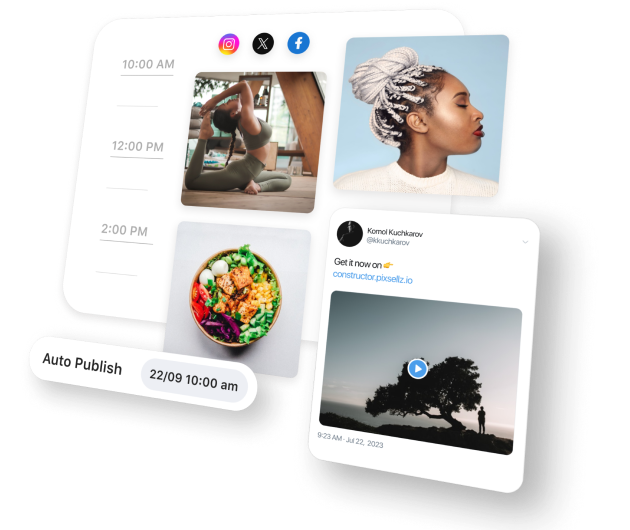
Let artists book studio sessions, mixing slots, or mastering appointments from your page. Set available dates, session lengths, and any advance requirements. Booked sessions with deposits mean fewer no-shows and a predictable workflow.
Popular with: Salons · Personal Trainers · Photographers
Artist Testimonials & Credits
Feature reviews from artists you've worked with — especially any recognizable names or projects. In the audio world, your reputation is built on credits and word of mouth. Testimonials from satisfied clients on your page do the networking for you 24/7.
Studio Location & Contact
Share your studio address, parking info, email, phone, and social media profiles. For remote mixing and mastering clients, list your file delivery preferences and turnaround times. Make it as easy as possible for a potential client to reach you.
Your Complete Engineering Hub
Grow Your Client Base
Frequently Asked Questions
Switching from another platform?
Import your existing links in under 2 minutes. See how UniLink compares: