UniLink for Graphic Designers
by UniLink

Clients judge designers by their presentation. Build a page that showcases your portfolio with the same care you put into your work — organized case studies, clear service offerings, and a direct path to hiring you. Ditch the clunky portfolio site you never update.

Create Your Design Page
UniLink for Graphic Designers

Built forGraphic Designers

Visual Portfolio That Converts

Visual Portfolio That Converts

Display your best projects in a gallery built for visual work. Show logo designs, brand identities, packaging, web layouts, and print pieces in crisp quality. Organize by category so a startup looking for branding doesn't have to scroll past your editorial spreads to find relevant work.

Popular with: Photographers · Artists · Tattoo Artists

Service Packages & Rates

Service Packages & Rates

Define what you offer — logo design, full brand identity, social media kits, packaging, or website design. Include scope details, deliverables, and pricing for each package. Clients who understand your rates upfront are more likely to be serious inquiries, not tire-kickers.

Popular with: Photographers · Consultants · Freelancers
Sell Templates & Digital Assets

Sell Templates & Digital Assets

Monetize your skills beyond client work. Sell Canva templates, social media packs, icon sets, font pairings, or brand guidelines documents. Digital products earn passive income while showcasing your design sensibility to potential clients browsing your page.

Popular with: Musicians · Artists · Boutiques

Dribbble, Behance & Social Profiles

Link out to your Dribbble shots, Behance projects, LinkedIn, and any other platforms where you maintain a presence. Give visitors multiple ways to evaluate your work and professional background without cluttering your main portfolio.

Project Inquiry Form

Capture structured briefs from potential clients. Your form collects project type, timeline, budget range, and a description of what they need. You receive organized inquiries instead of vague DMs, making your response time faster and your proposals more accurate.
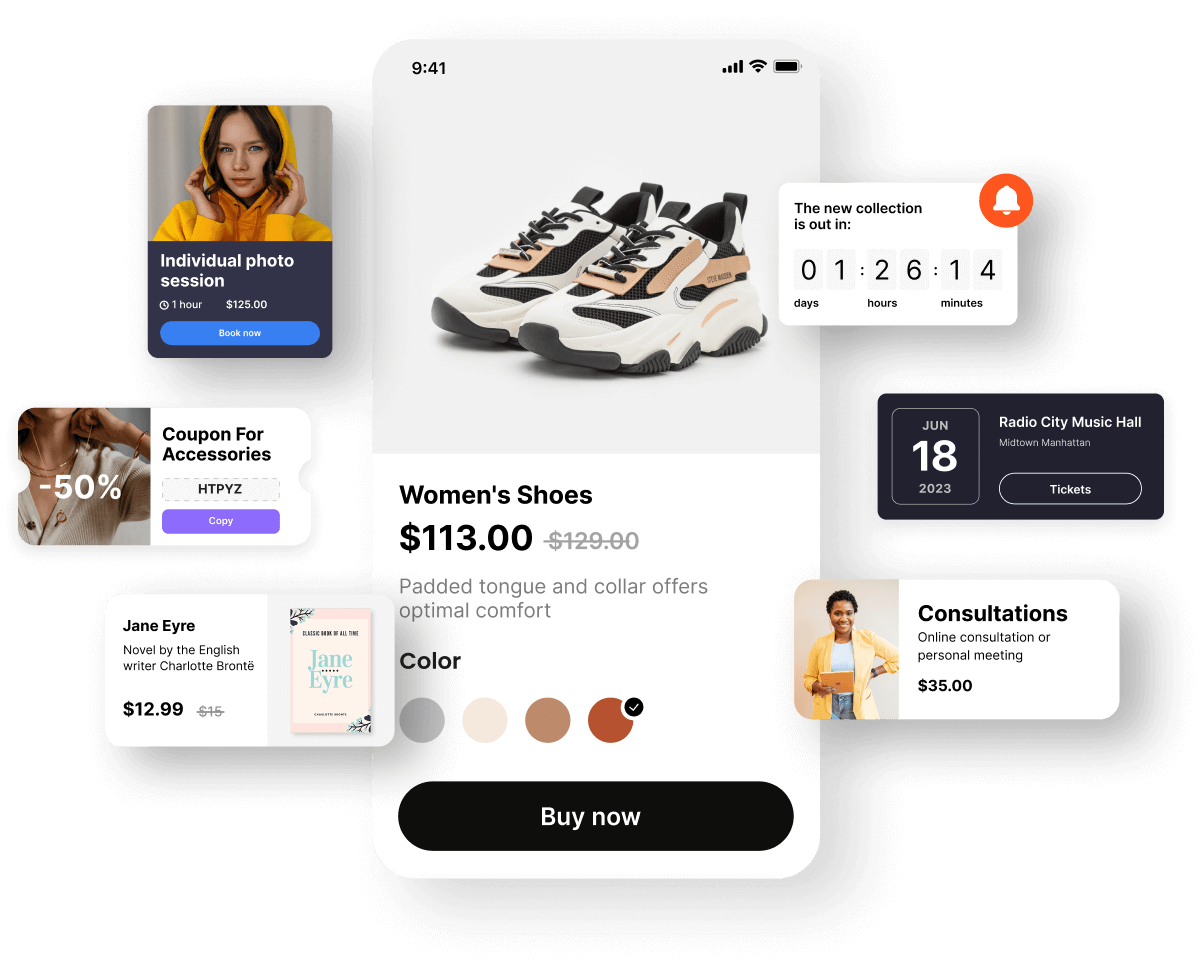
Your Complete Design Hub

Your Complete Design Hub

When a potential client clicks the link in your Instagram bio, email signature, or Dribbble profile, they land on a page that works like a mini-agency site. Portfolio, services, pricing, digital products, and a way to get in touch — all in one place that takes minutes to set up and seconds to update.
Create Your Design Page

Grow Your Client Pipeline

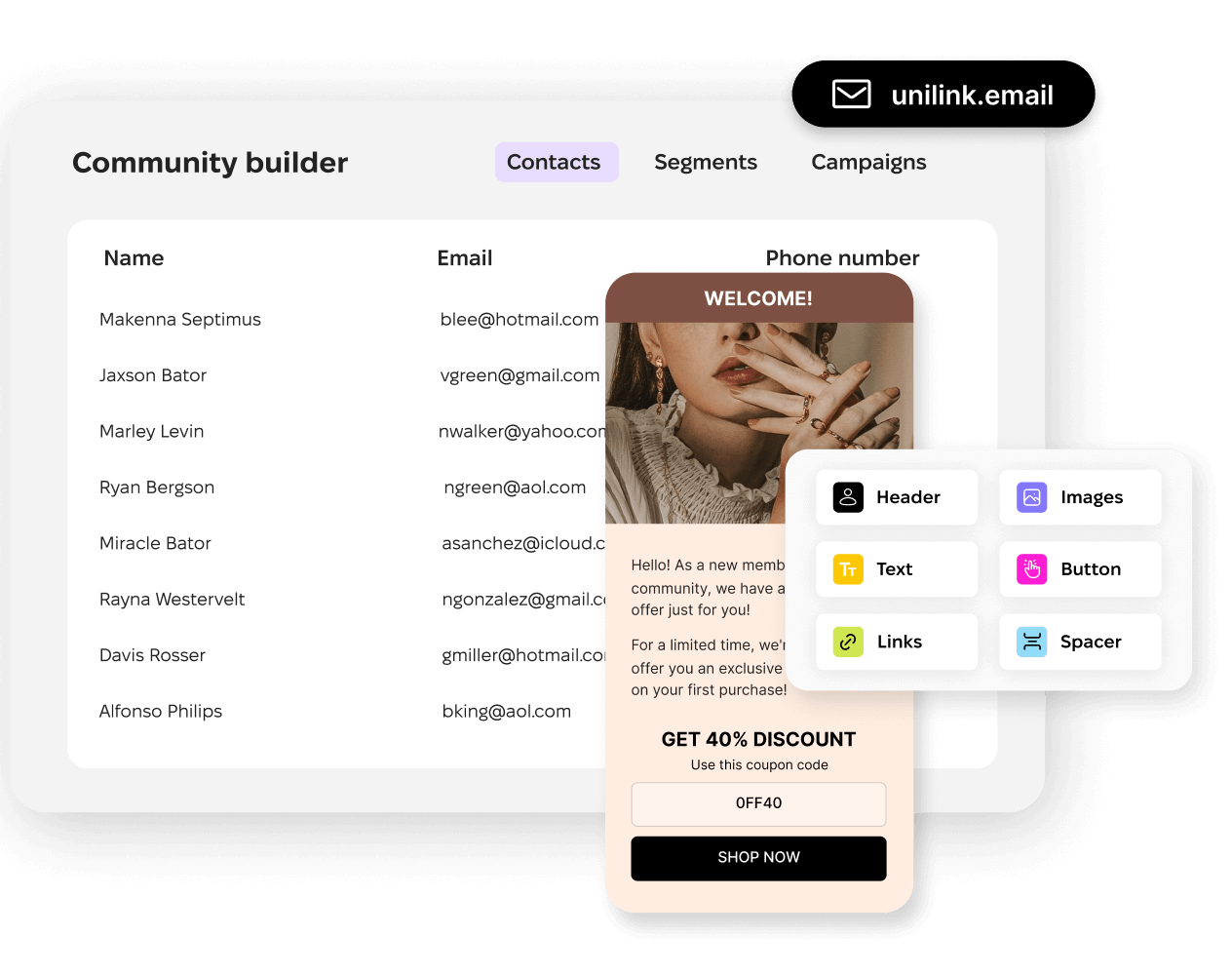
Collect emails from founders, marketers, and creative directors who browse your work but aren't ready to start a project yet. When you launch new services, share design resources, or open availability, you reach people who already admire your work.
Create Your Design Page
Grow Your Client Pipeline

Frequently Asked Questions

Can I organize my portfolio by project type?
Yes. Create separate gallery sections for branding, web design, print, packaging, or whatever categories fit your practice. Potential clients can jump directly to the type of work they need, which means higher relevance and faster decisions.
How do potential clients request a project through my page?
The contacts block includes a customizable form where clients describe their project, budget, and timeline. You receive these as structured inquiries with all the details you need to decide if it's a good fit before your first call.
Can I sell digital products like templates alongside my services?
Absolutely. The shop block handles digital downloads — Canva templates, social media kits, presentation decks, whatever you create. Buyers pay and receive files instantly. It's a great way to monetize your expertise beyond hourly client work.
Will my designs look good on mobile screens?
Your page and portfolio galleries are fully responsive. Images render sharply on phones, tablets, and desktops. Since most people will visit from your social media bio links, mobile presentation is prioritized to look clean and load fast.
Can I link to my Dribbble, Behance, and other profiles?
Yes. The links block lets you add any external profiles or platforms. Visitors can explore your Dribbble shots, Behance case studies, LinkedIn, or GitHub without leaving the context of your professional page.

Switching from another platform?

Import your existing links in under 2 minutes. See how UniLink compares:

Get started now

Loved by thousands of artists, writers, musicians, podcasters, youtubers, gamers, developers, hobbyists, brands…
Get Started Free