


MCP Integration
AI-Powered Management
AI-Powered Management
Connect Claude, ChatGPT, Cursor, or any AI assistant to your UniLink account. Manage your profiles, track analytics, update products, and automate workflows — all through natural language.
Get Started Free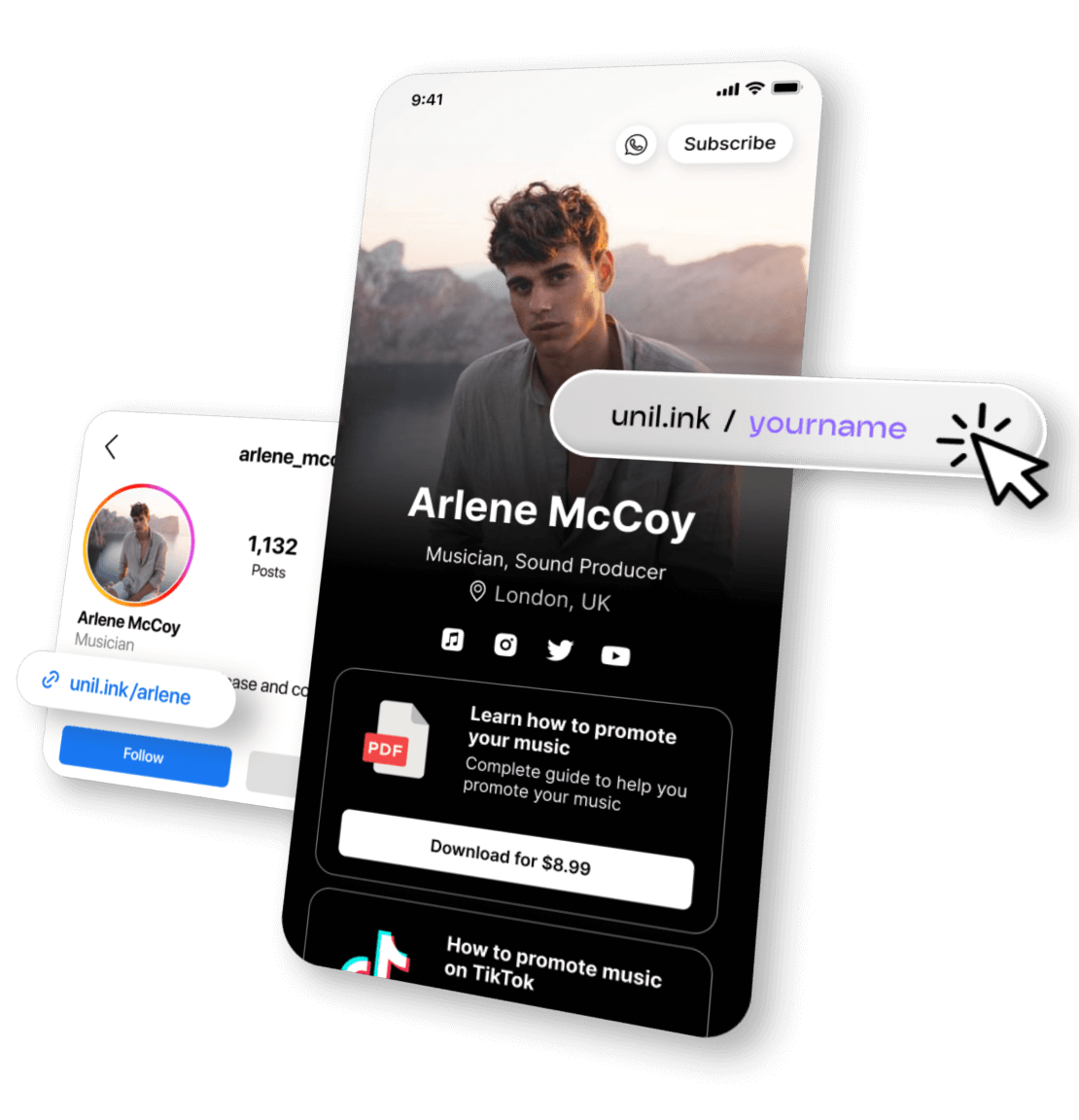
What You Can DoWith AI
Manage Your Profile
Update your bio, add or remove blocks, reorder content, and manage products — all by simply asking your AI assistant.
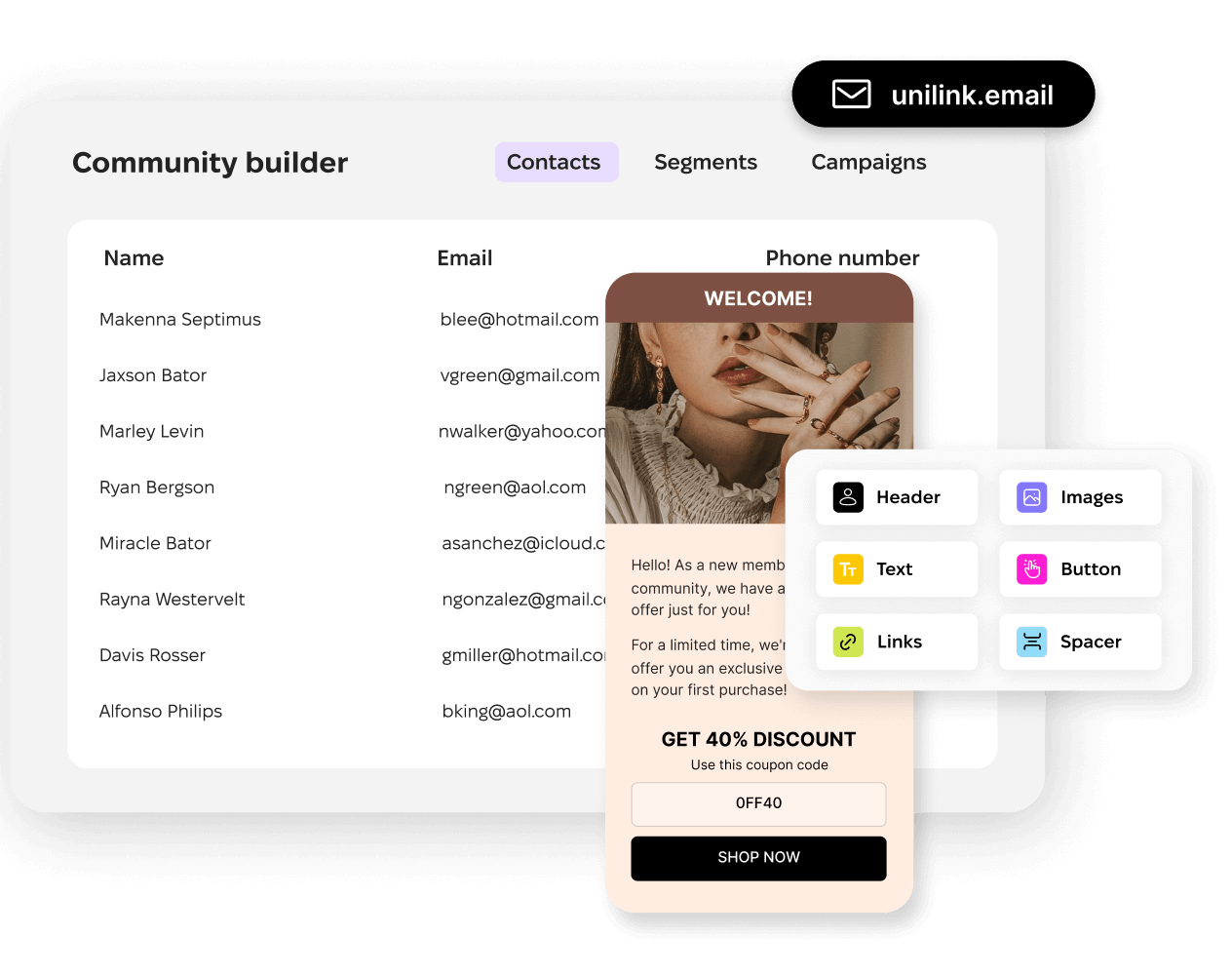
Track Analytics
Ask AI about your traffic, top referrers, audience growth, and revenue. Get instant insights without opening a dashboard.
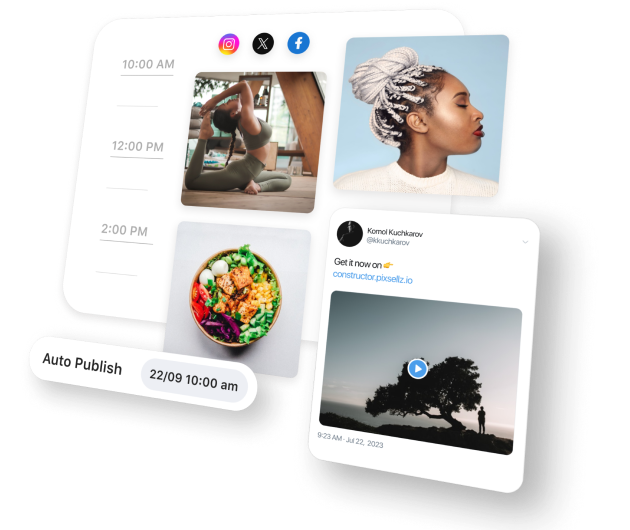
Automate Workflows
Create blocks, update order statuses, and manage your audience — automate repetitive tasks and focus on what matters.
How It Works
Get up and running in 3 minutes
Get Your API Key
Go to Settings → API Key in your UniLink dashboard. Generate a new key to authenticate your AI assistant.
Configure MCP
Add the UniLink MCP server to your AI tool's configuration. Works with Claude Desktop, Cursor, Windsurf, and any MCP-compatible client.
Start Managing
Ask your AI assistant to check analytics, update your profile, manage products, or handle orders — it just works.
Quick Setup
Add this to your AI tool's MCP configuration
Option 1: Remote Server (recommended)
Option 2: Local npm package
Example Prompts
Just ask your AI assistant in plain language
16 Tools Available
Full read & write access to your UniLink account
Compatible With
Works with any MCP-compatible AI tool